
安装#
下载#
Dash Electrum is maintained by Dash Incubator member pshenmic and is released through his GitHub account. Downloads are available from the official Dash website or directly from GitHub:
You can optionally verify the authenticity of your download by checking its detached signature against the public key published by pshenmic. Run the following commands (example for Linux):
wget https://github.com/pshenmic/electrum-dash/releases/download/4.1.7.7/Dash-Electrum-4.1.7.7-x86_64.AppImage
wget https://github.com/pshenmic/electrum-dash/releases/download/4.1.7.7/Dash-Electrum-4.1.7.7-x86_64.AppImage.asc
curl https://keybase.io/pshenmic/pgp_keys.asc | gpg --import
gpg --verify Dash-Electrum-4.1.7.7-x86_64.AppImage.asc
The output should contain the following line:
gpg: Good signature from "Mikhail Pshenichnikov <pshenmic@gmail.com>"
Linux#
Dash Electrum for Linux is available as an AppImage file and as a source tarball. You can download the package, and run it as follows:
wget https://github.com/pshenmic/electrum-dash/releases/download/4.1.7.7/Dash-Electrum-4.1.7.7-x86_64.AppImage
chmod +x Dash-Electrum-4.1.7.7-x86_64.AppImage
./Dash-Electrum-4.1.7.7-x86_64.AppImage
macOS#
Simply download and run the DMG file. You may need to grant permission to install, depending on your security settings. Click through the installation wizard and run Dash Electrum from your Applications folder when complete.
Windows#
Simply download and run the installer file to set up Dash Electrum. You may need to grant permission to install, depending on your security settings. Click through the installation wizard and run Dash Electrum from the Start menu when complete.
创建新钱包#
达世币轻钱包会在初次运行的时候收集配置参数。如需了解相关流程的更多信息,请阅读本指南中有关备份、安全和地址的说明。在初次安装达世币轻钱包时,安装向导会在创建过程中全程指导您。其中,第一个页面将咨询您希望以何种方式连接到远程服务器,您可以选择 自动连接” ,再点击 下一步。此时,您将会看到一则当前没有钱包的通知。接下来,您可以为个人钱包输入名称(或使用默认名称),并点击 下一步 来创建钱包。
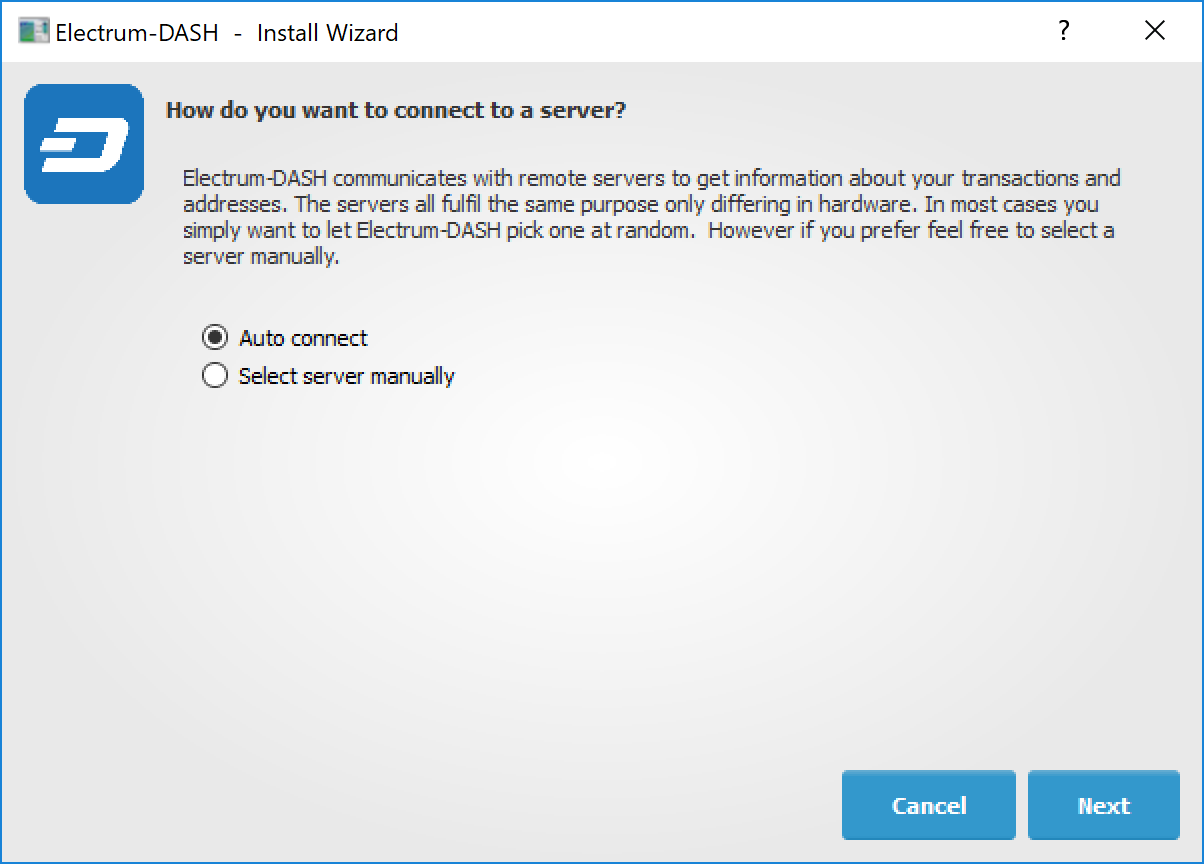
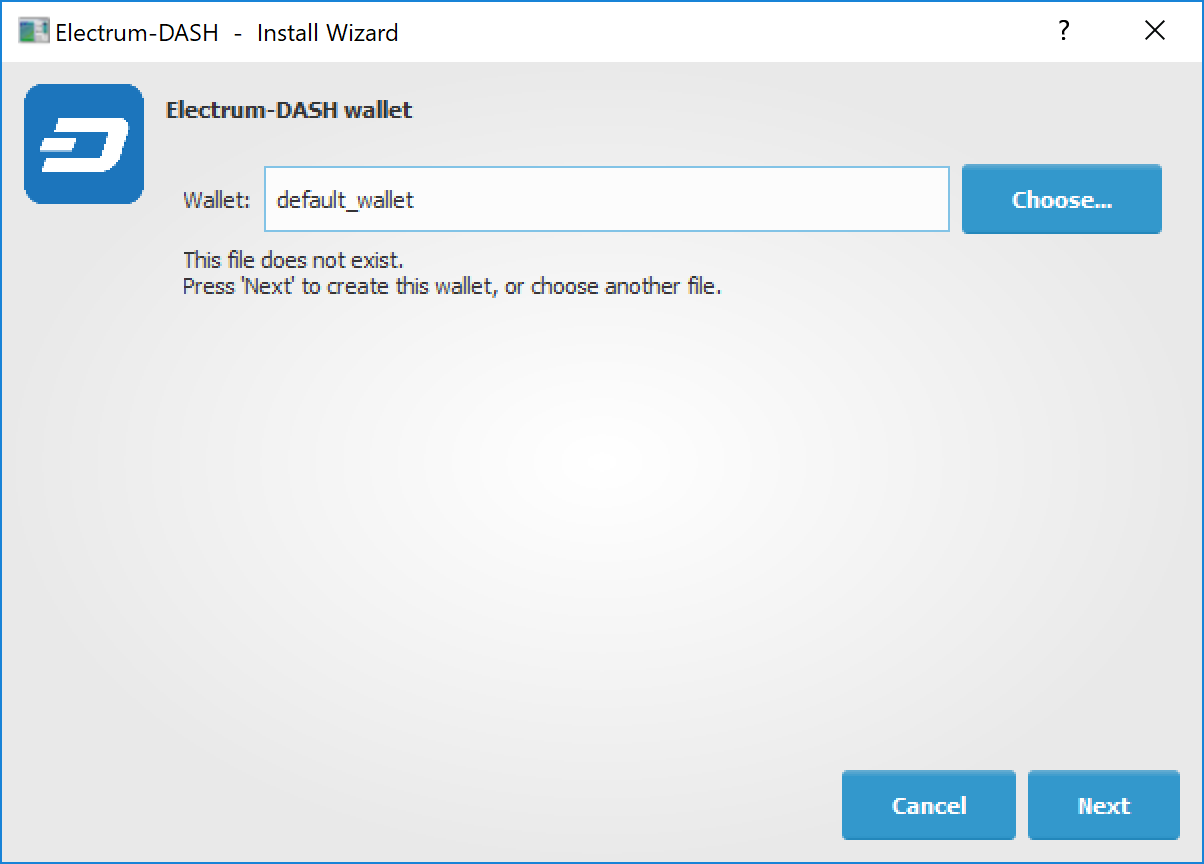
选择服务器并命名您的第一个钱包#
系统会自动咨询您想要创建哪种钱包,您可以选择 标准钱包、 多重签名钱包 或 浏览达世币地址。如果您不太确定,请选择 标准钱包 并单击 下一步 进行后续操作。接下来,系统将会咨询您想要如何存储或恢复种子。完成这项操作之后,您就可以使用种子在另一台计算机上恢复丢失的钱包了。您可以选择 创建新的种子、使用已有的种子、使用公钥或私钥 或 使用硬件设备。如果您是初次使用达世币轻钱包而不是恢复已有的钱包,那么您应选择 创建新的种子 并单击 下一步 进行后续操作。
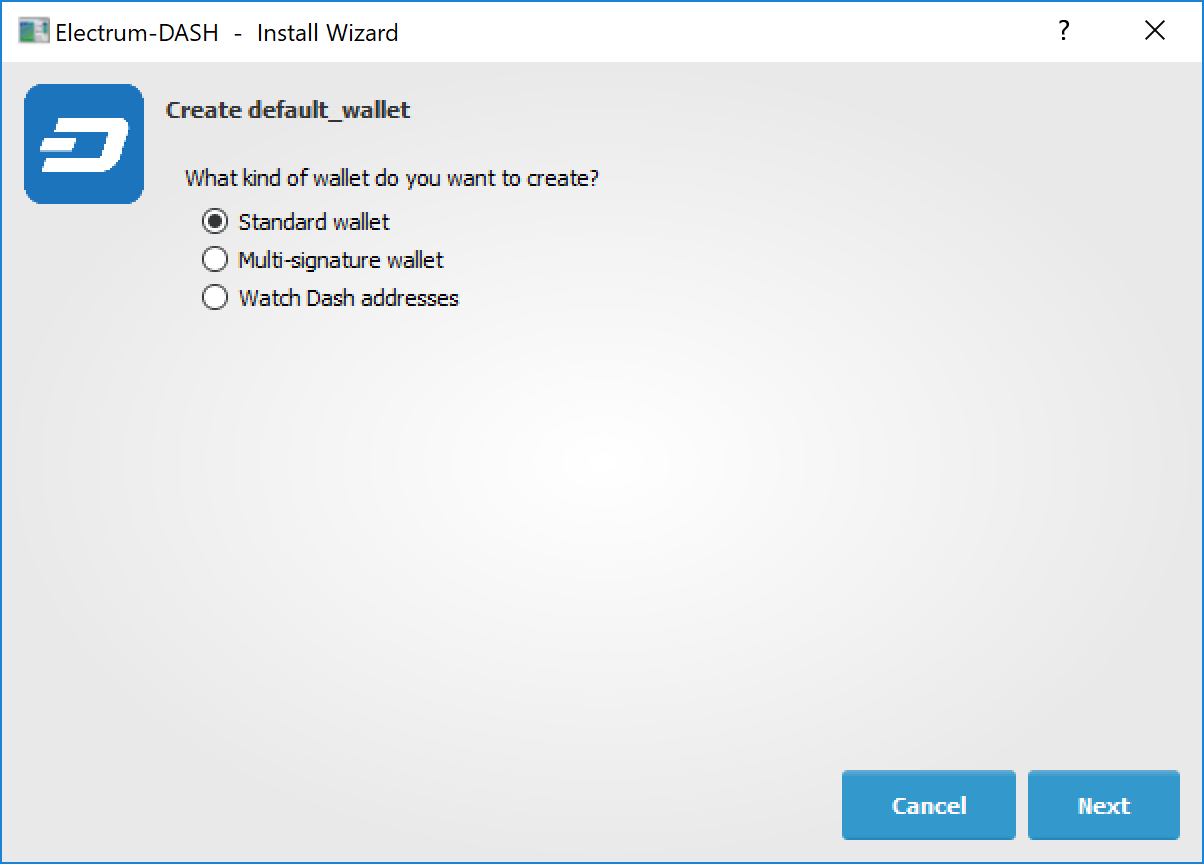
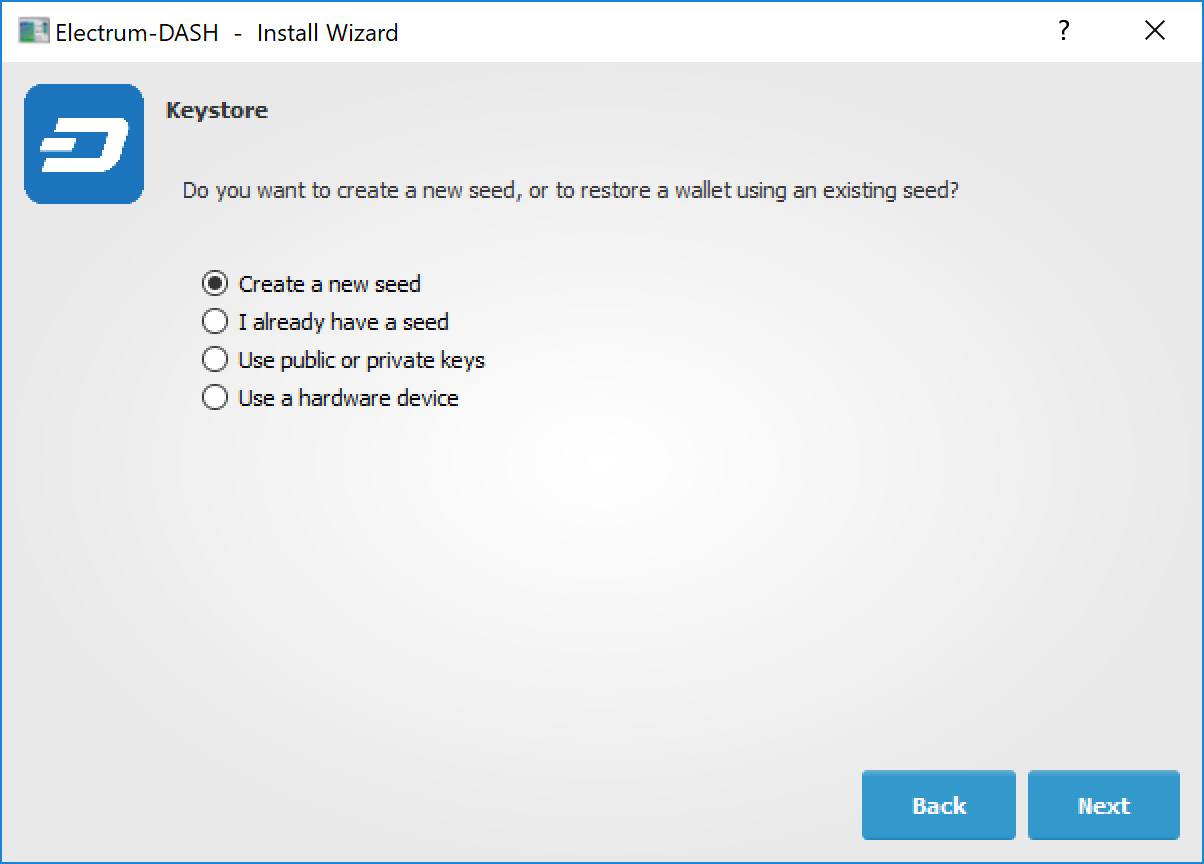
选择钱包种类和密钥库#
达世币轻钱包将生成钱包并显示恢复种子。此时,您应当清晰无误地将种子记录到纸上并妥善保管,请不要以电子格式进行存储。无论您因何缘由、以何种方式丢失钱包,种子都是用户恢复钱包的唯一途径。为了确保您已经妥善保存恢复种子,达世币轻钱包会要求您输入种子。您应以正确的顺序输入,然后单击 下一步 进行后续操作。
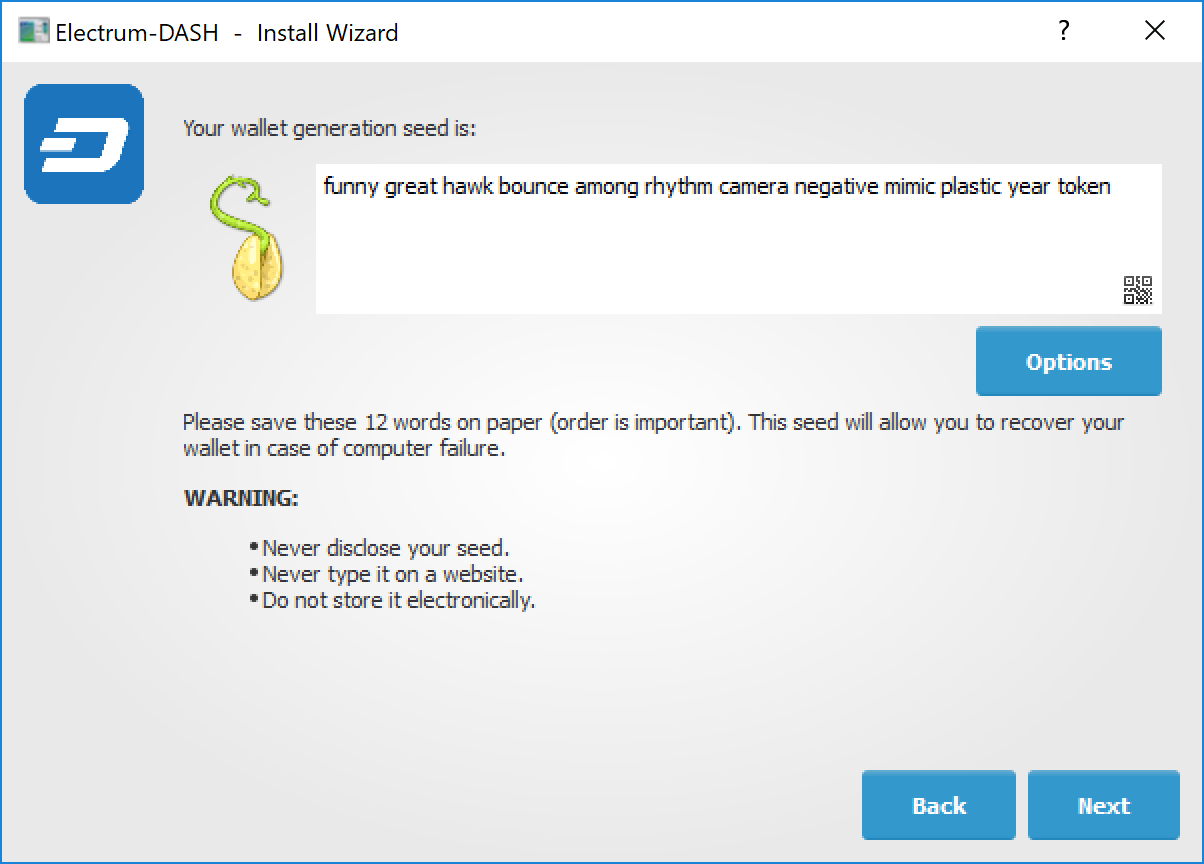
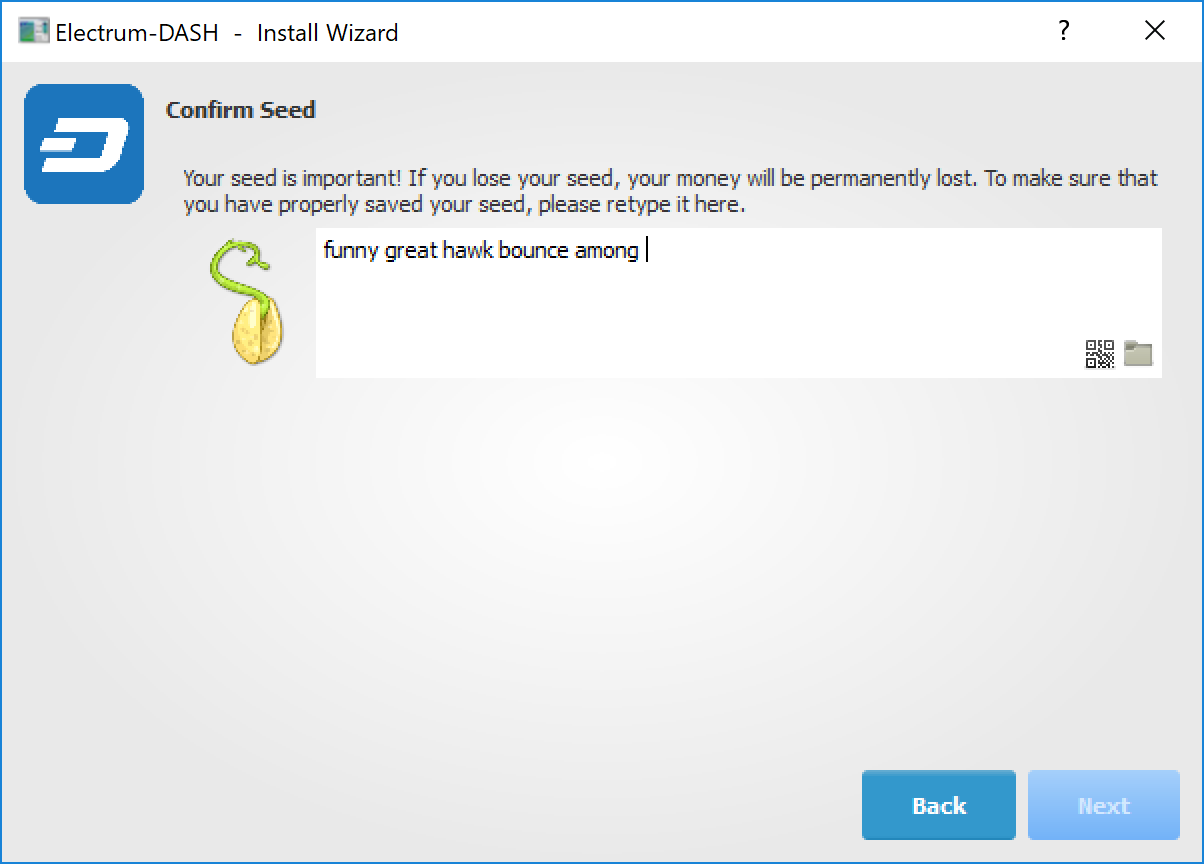
生成并确认恢复种子#
选用密码可以保护您的钱包免受未经授权的访问。添加便于记忆的强化密码可以从一开始就对种子进行加密并提高钱包的安全性。如果您此时直接跳过密码设置和加密保护,那么未来就有可能遭遇资金盗窃,虽然这个威胁现在听起来还不太严重。您需要输入并确认密码,确保已勾选 加密钱包文件, 然后单击 下一步 进行后续操作。
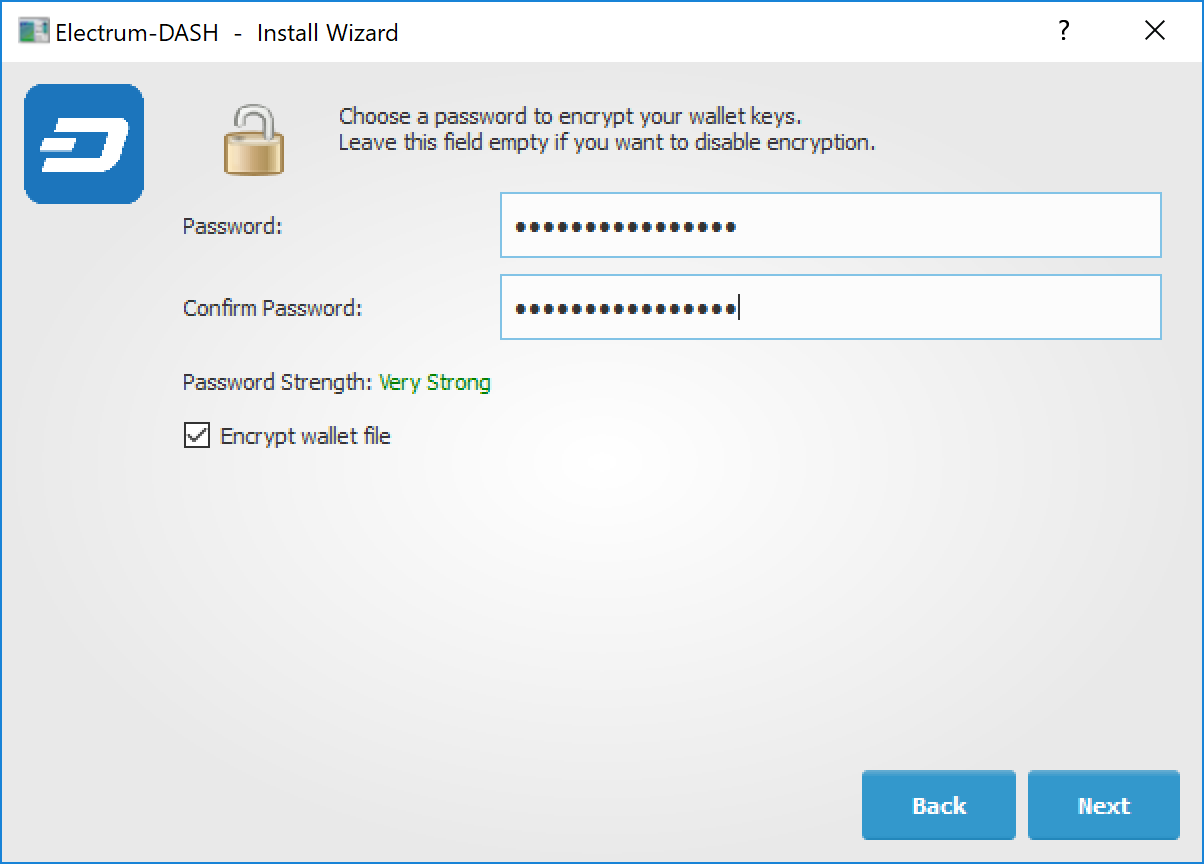
输入并确认钱包加密密码#
达世币轻钱包已安装完毕,您可以使用它了。
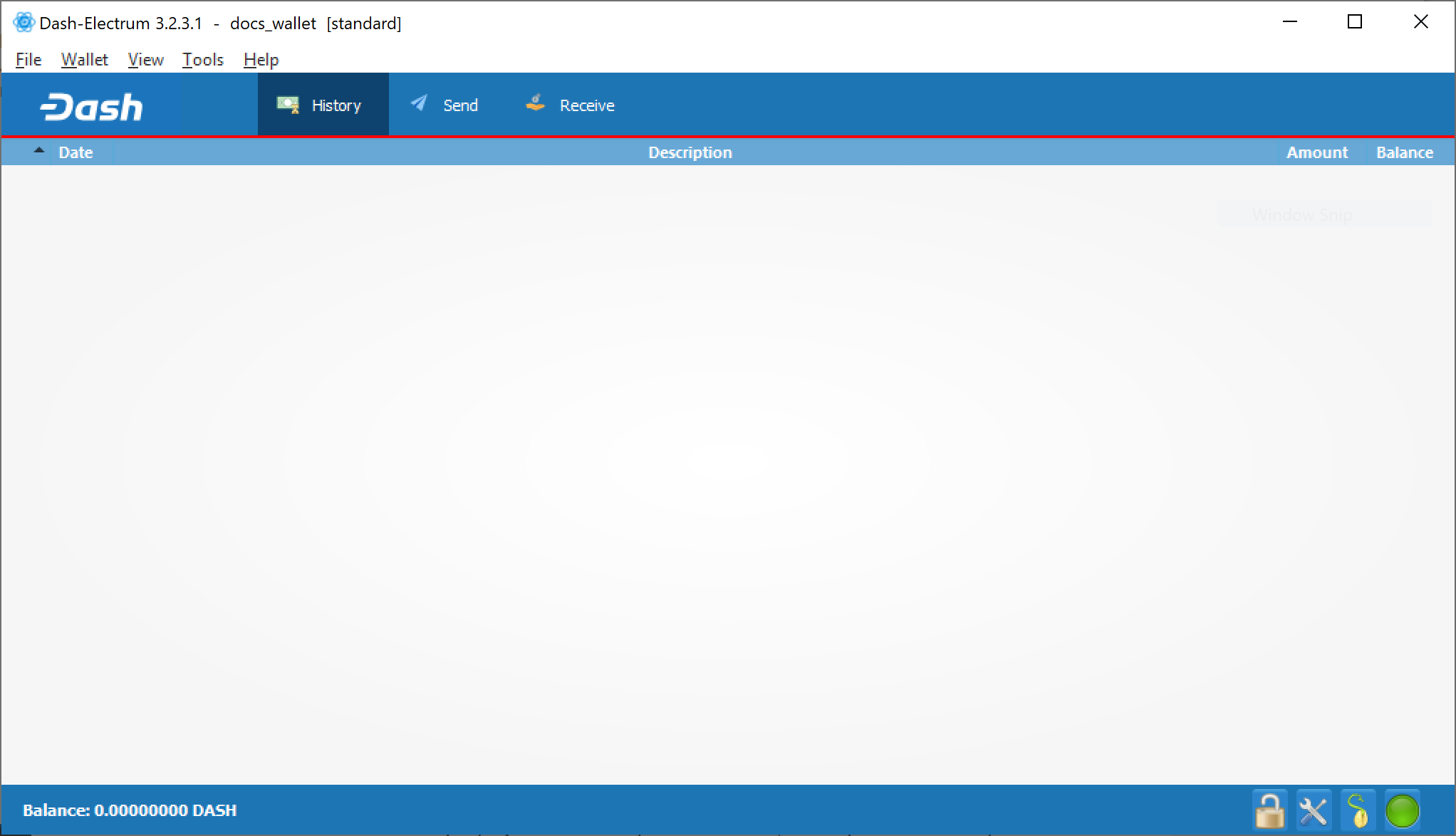
达世币轻钱包已安装完成。#